You stream.Cutscene finds the moments worth posting.
One frame,every vertical layout.
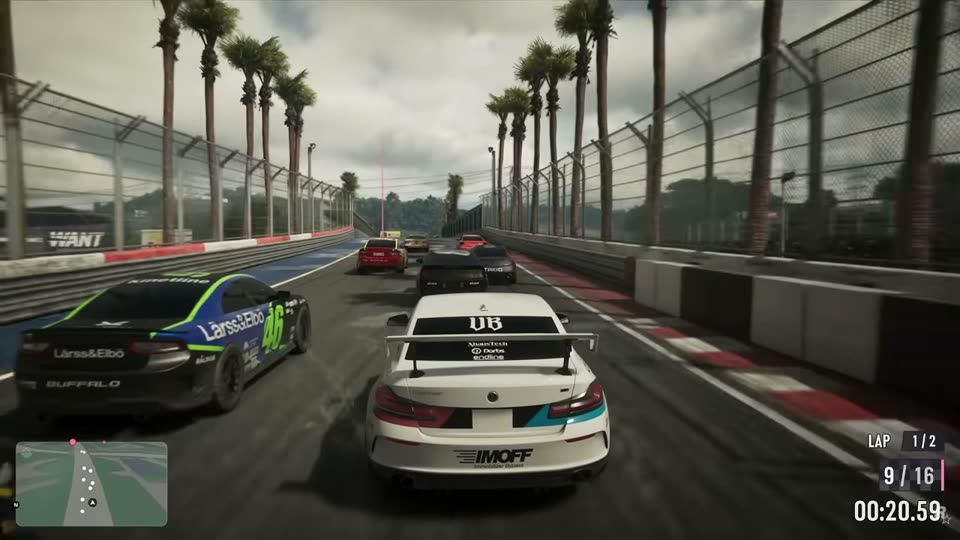
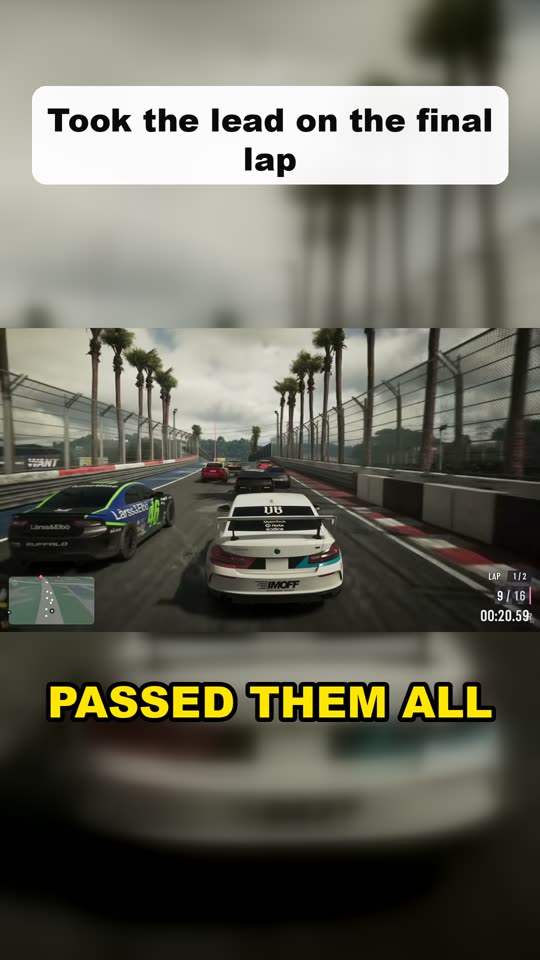
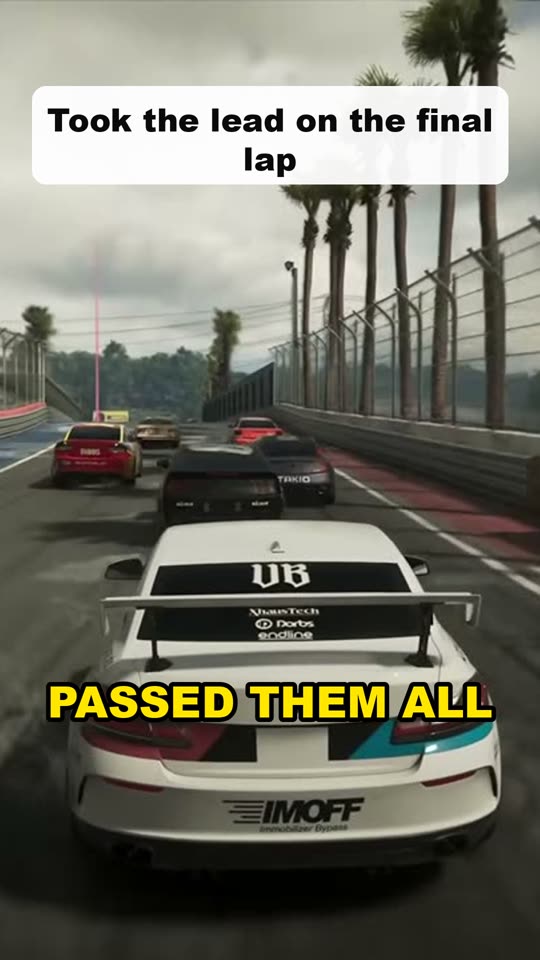
Your horizontal stream becomes a 9:16 clip for YouTube Shorts, TikTok and Reels. These are real Cutscene renders. Got a webcam on stream? Put it on top and the game below.
Your VOD neverleaves your disk.
The Mac app does the heavy work on your own machine: speech, scene and loudness analysis, rendering. Nothing to upload, no queue behind other streamers.
uploaded. A six-hour recording stays where it is, clips are saved next to it.
Whole multi-hour VODs, not just the first hour. Links are read without downloading the full video.
Clips are yours, ready for Shorts, TikTok and Reels at 1080×1920.
Captions in the languageyou actually stream in.
Speech is transcribed in the stream's own language, captions and titles stay in it, and the AI picks moments whatever you speak. Word-by-word captions highlight what's being said.
Built for gaming streams
Moments are picked from your voice, hype spikes and what happens on screen, not from a talking-head template.
Webcam on top, game below
Drag a frame over your webcam once on a real frame of your stream. Switch any clip's layout later.
Pauses cut, parts joined
Dead air inside a clip is trimmed, and one clip can stitch two or three beats of the same story together.
Fix any clip by hand
Move the start and end, change the title or the layout, and render that one clip again.
From VOD to shortsin three steps.
No scrubbing through hours of footage. Start a stream's clips before bed and come back to finished shorts.
- 1
Drop in your stream
Paste a Twitch, YouTube or Kick link, or open a recording from your computer. Pick a layout and how many clips you want.
- 2
AI watches it for you
It transcribes your voice, catches spikes of hype and action, and picks the moments people want to share.
- 3
Post your shorts
Captions and a title included. Tweak a clip if you like, then upload it to Shorts, TikTok or Reels as is.
One plan.No limits to count.
No hour caps and no credits. Clip every stream you make, however long it runs.
Cutscene Pro
Everything included- Mac app, processing on your own computer
- Unlimited streams of any length
- AI moment picking and captions in any language
- Every layout, webcam frame, no watermark
What you need
Mac app- A Mac with Apple silicon (M1 or later)
- A stream recording or a Twitch, YouTube or Kick link
- An internet connection for picking moments
- Windows app: in the works
Questionsstreamers ask.
How do I turn a Twitch VOD into clips?
Paste the VOD link into Cutscene and choose a layout and how many clips you want. Cutscene listens to the stream, finds the strongest moments and renders each one as a vertical clip with captions and a title. You don't need to download the VOD first.
How do I make YouTube Shorts from my Twitch streams?
Cutscene cuts each moment to 9:16 at 1080×1920, which is the format YouTube Shorts, TikTok and Instagram Reels expect. Download a clip and upload it to Shorts as is.
Can it auto clip a whole multi-hour VOD?
Yes. Cutscene is built for long gaming streams: it scans the whole VOD for spikes in your voice, hype and on-screen action, then lets the AI pick the moments worth posting. Twitch, YouTube and Kick links work, and so do video files from your computer.
Do the clips have a watermark?
No. Clips are exported without a watermark.
What languages does it support?
Streams in any language. Speech is transcribed in the stream's own language, captions and clip titles stay in that language, and the AI picks moments regardless of what language you speak.
Can I put my webcam on top of the gameplay?
Yes. Choose the Webcam + game layout and drag a frame over your webcam on a real frame of your stream. There are also Blurred background and Full screen layouts, and you can switch the layout of any single clip later.
How is Cutscene different from Opus Clip and other AI clippers?
Cutscene focuses on gaming streams: whole multi-hour VODs, moments picked from your voice and the action on screen, webcam layouts, and streams in any language. If you clip podcasts or talking-head videos, a general tool may suit you better.
Is there a free plan?
No. Cutscene has one plan, Pro, at $19 per month with no limits: clip as many streams as you want, however long they are. You can cancel anytime.
Your next stream is already full of shorts.
Install Cutscene, drop in a VOD and let it find the moments while you sleep.
- Twitch, YouTube and Kick VODs
- Any stream language
- Webcam layouts
- Pause trimming
- No watermark
- Unlimited streams